A Design Checklist for Small Command Center Video Walls
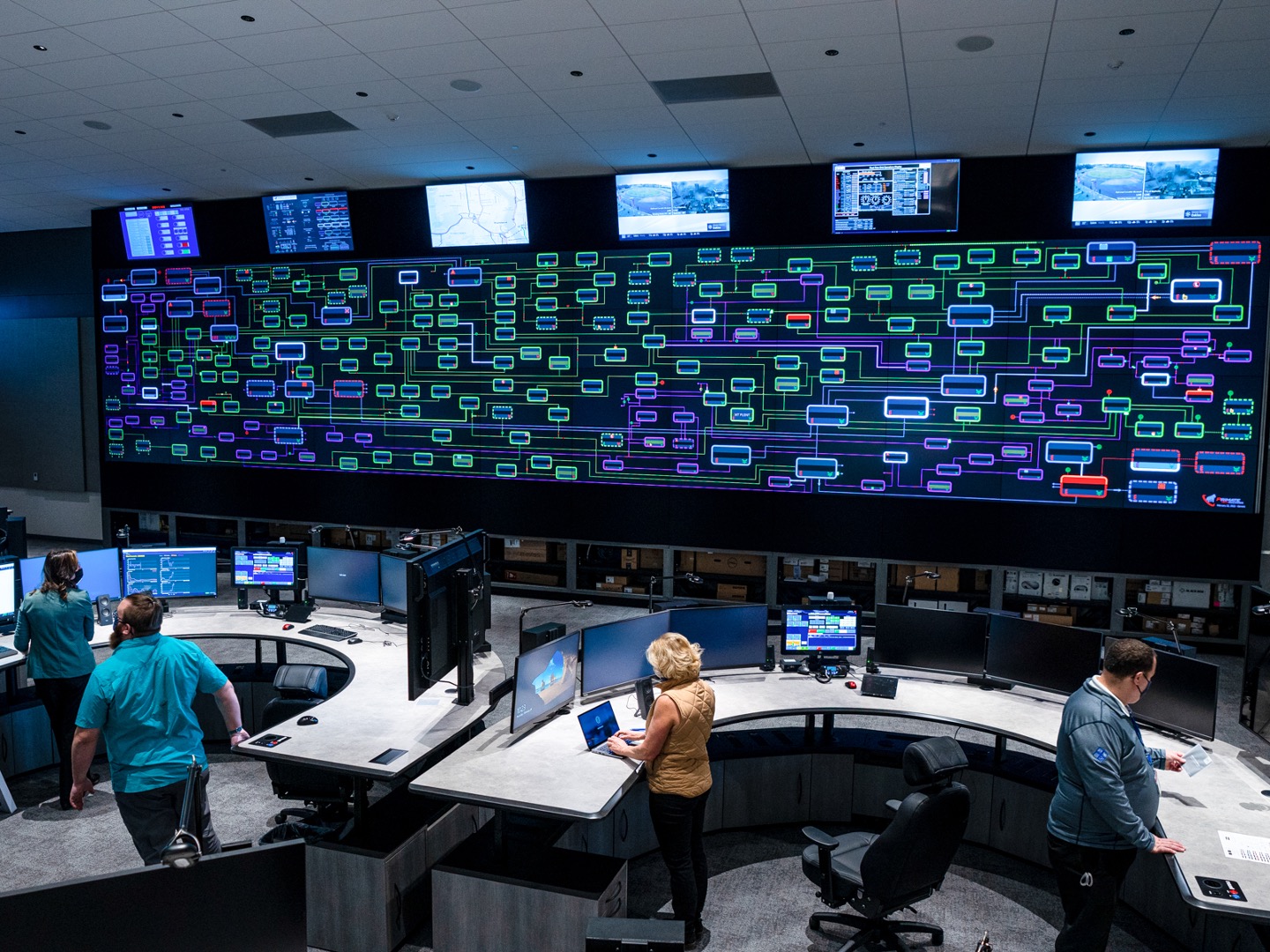
Small command centers have less room for mistakes. A wall that is slightly too tall, too bright, too low-resolution, or too hard to service can interfere with daily operations. The space may only hold a few consoles, but it still has to support fast decisions, shared awareness, and long working hours.
A small room should not be treated as a scaled-down auditorium. It needs its own planning logic.
Can Every Seat See the Priority Information?
Start with sight lines. Every key operator should be able to see the most important content without turning too far, leaning around another person, or looking above a comfortable angle. This is especially important in rooms where teams monitor alerts for long shifts.
The top zone of the wall should not carry the smallest text. Put camera overviews, maps, or summary dashboards higher, and keep detailed text closer to natural eye level.
Is the Text Readable From the Real Seats?
A small command center often places operators close to the wall. That makes pixel pitch important. Pixel pitch is the spacing between LED pixels; a smaller pitch usually improves close-view clarity, but it must match the room and budget.
Use real content during planning. Test camera labels, dashboard text, GIS maps, and alarm panels at the planned viewing distance. If the team needs to zoom in or move closer, the layout or pixel pitch needs review.
Can the Wall Handle Multiple Sources?
Small rooms often carry big workloads. A city monitoring room may show traffic cameras, weather, incident logs, and communication windows. A corporate security room may show access control, building dashboards, and live video. AVNetwork has noted that command-and-control facilities are handling many source types, including IP cameras, news feeds, internet sources, and internal communication systems.
The wall layout should support common operating modes, not only one ideal screen arrangement. Presets for normal monitoring, incident response, shift handoff, and executive briefing can make the wall more useful.
Will Maintenance Disrupt the Room?
Service access is easy to overlook in a tight space. If a display component needs attention, can the team reach it without dismantling consoles or closing the room? Front serviceability, spare parts, and training should be discussed before installation.
Esdlumen’s Corporate page describes needs and space assessment, tailored system design, and installation with training. That makes Esdlumen corporate display solutions a natural reference point after a small command center has defined its room layout, operating goals, and content workflow.
Leave Space for the Next Dashboard
Small command centers often grow. More cameras, building systems, cloud dashboards, and collaboration tools may be added later. A design that barely fits today’s content can feel cramped within a year.
Plan with a little breathing room: extra layout zones, reasonable wall dimensions, service access, and a controller path that can handle new inputs. A small wall can still be strategic if it is built around visibility, comfort, and future data growth.



Opublikuj komentarz